
This article explains how to use the built-in page editor WP Bakery to edit the website pages. This information will also be useful for editing the Store pages.
1. To edit page content, first go to Pages > All Pages (in the left hand menu) and select the page that you want to edit. (Please note that if your website is in both French and English select the page you want to edit in the appropriate language. For more info on how to toggle between languages, click here.)
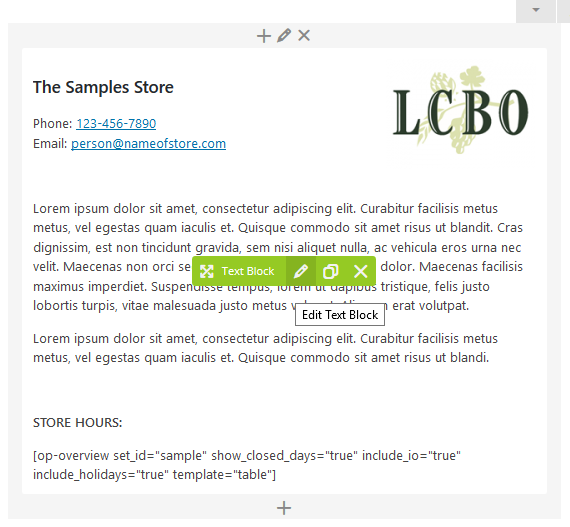
2. Once you are on the page with content you want to edit, hover over the section you want to edit. You will see that a green popup will appear, click on the pencil icon.
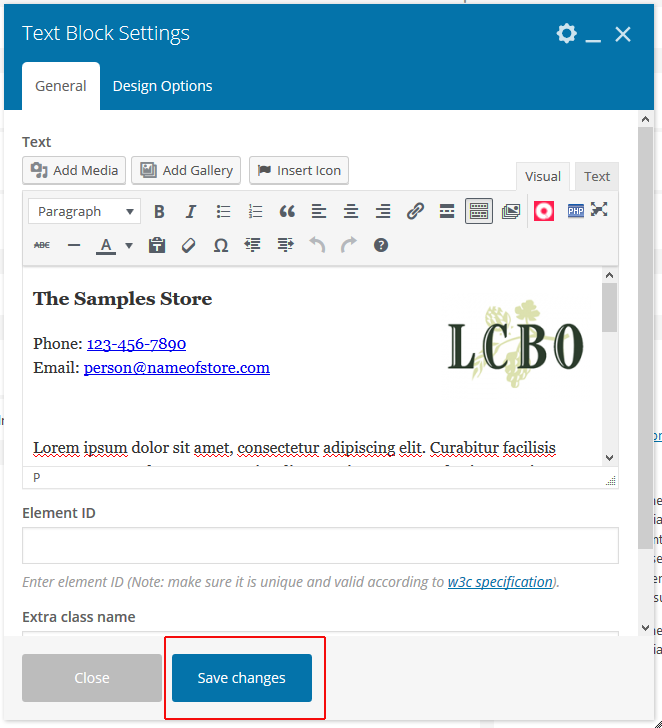
3. A box will pop up with the content of that section. Make any changes you wish. Once you are done, click the “Save Changes” button.
4. When you are finished making all of the changes to your page, be sure to click the “Update” button to save the changes.
More Info:
For more information on how to use the built-in page editor – WP Bakery/Visual Composer, watch this video. This video will provide detailed info on how to add/edit the content boxes and make further customizations.