This article explains how to toggle between the French and English pages. There are several ways to go between the two languages. This article will show you two options:
Option 1
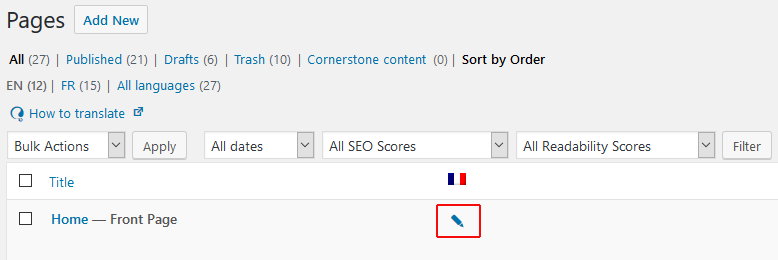
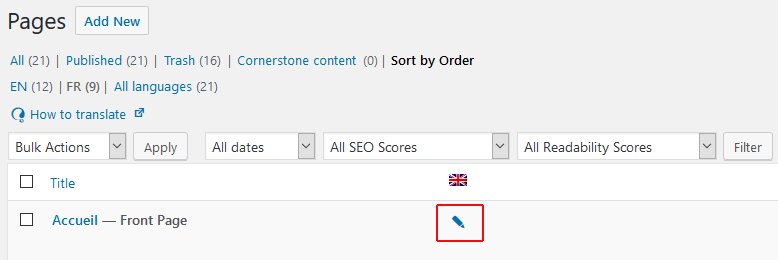
If you are on the Pages page, the easiest way to select the page in the alternate language is to click the pencil icon.
Clicking on the pencil icon in the image below will go to the Home page in French.
Clicking on the pencil icon in the image below will go to the Home page in English.
Option 2
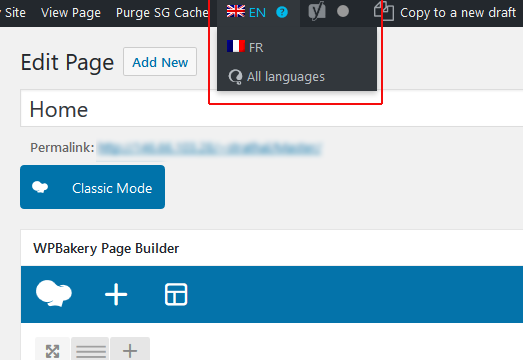
If you are on an individual page, the easiest way to select the page in the alternate language is to click the flag icon in the top admin bar and select the alternate language.