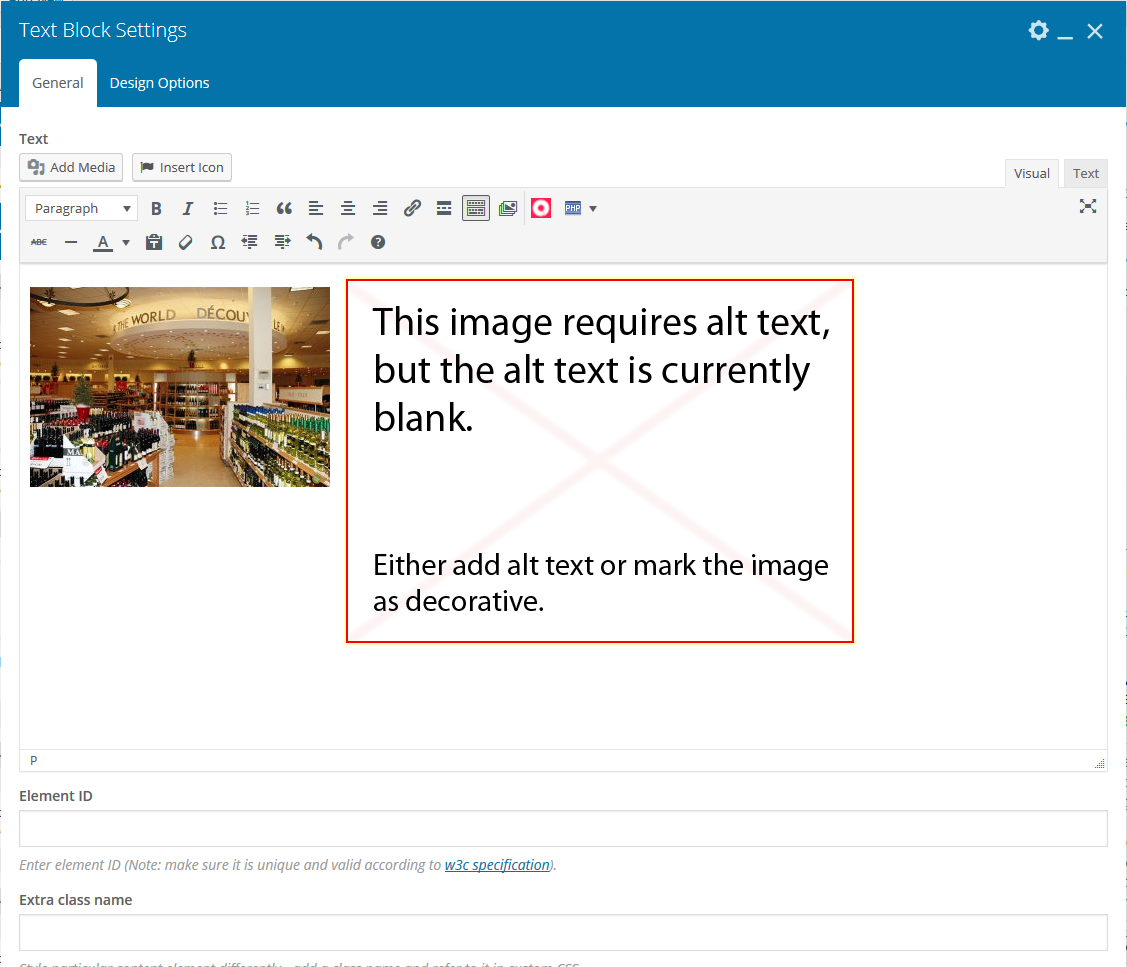
In order to make the site more accessible for people who are visually impaired, all images need to have alternative text or “alt text” that describes the image.
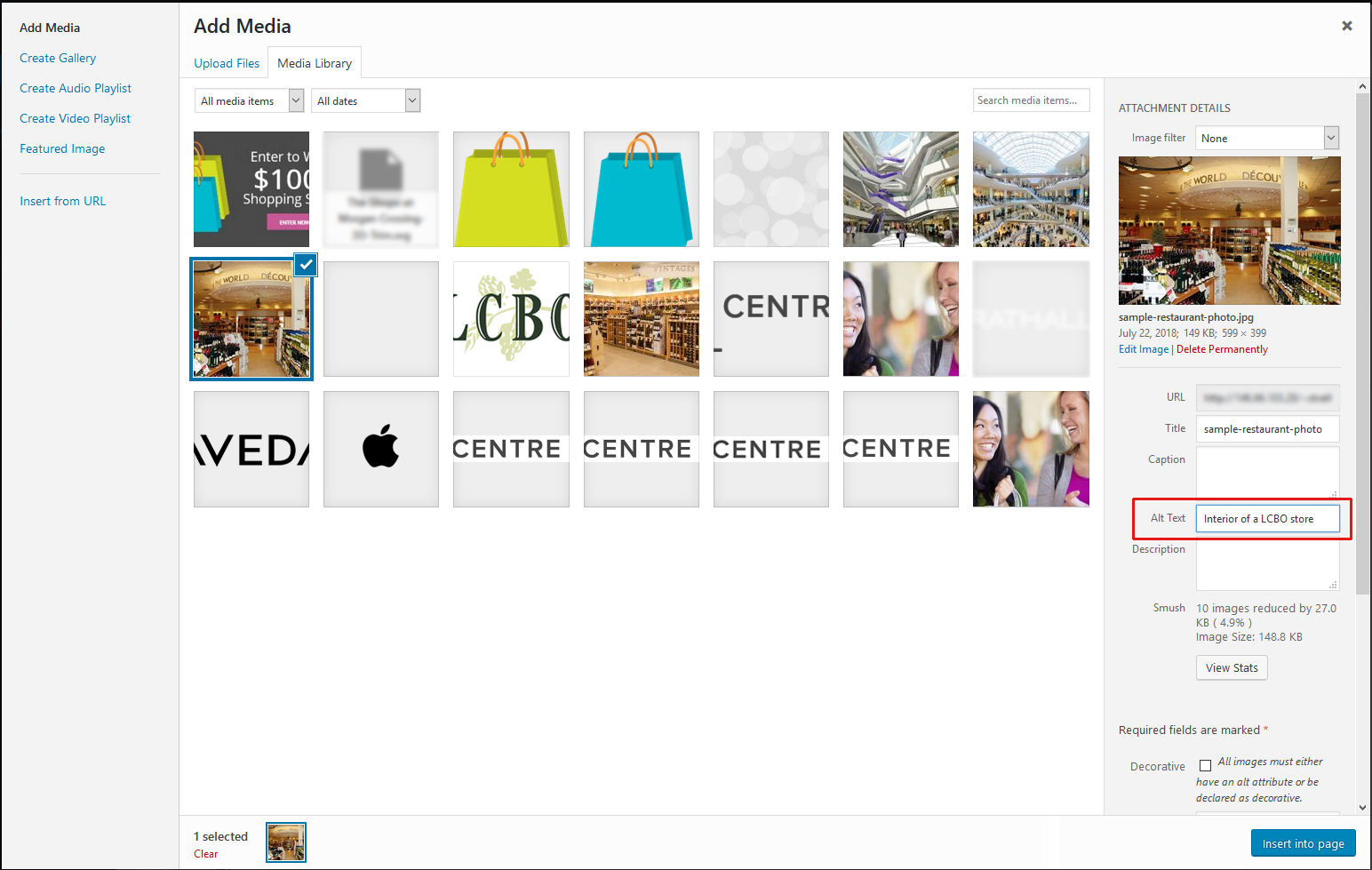
In WordPress it is easy to add alternative text. When you are uploading the photo, all you need to do is enter your description of the image in the “Alt Text” field under the photo. (Here is an article that explains how to write good alt text descriptions.)
If you don’t remember to enter in the alt tag, the site’s accessibility plugin will give you a very big reminder! If this happens simply delete both images and insert your image again with the alt tag to make the reminder go away.