
This article explains how to edit images with both the built-in WordPress image editor and a plugin that provides further options.
The built-in image editor that gives you the ability to crop, resize, change the orientation orientation and aspect ratio. For more info about how to edit the images with the built-in editor, check out this video.
The advanced editor gives you the ability to do all of the above tasks and more – enhance, add effects, frames and stickers, crop, resize, change orientation, focus, brightness, saturation, warmth, sharpness, whiteness, add text, draw, remove blemishes, etc. For more info about how to use some of these features, watch this video. (Excuse the music.)
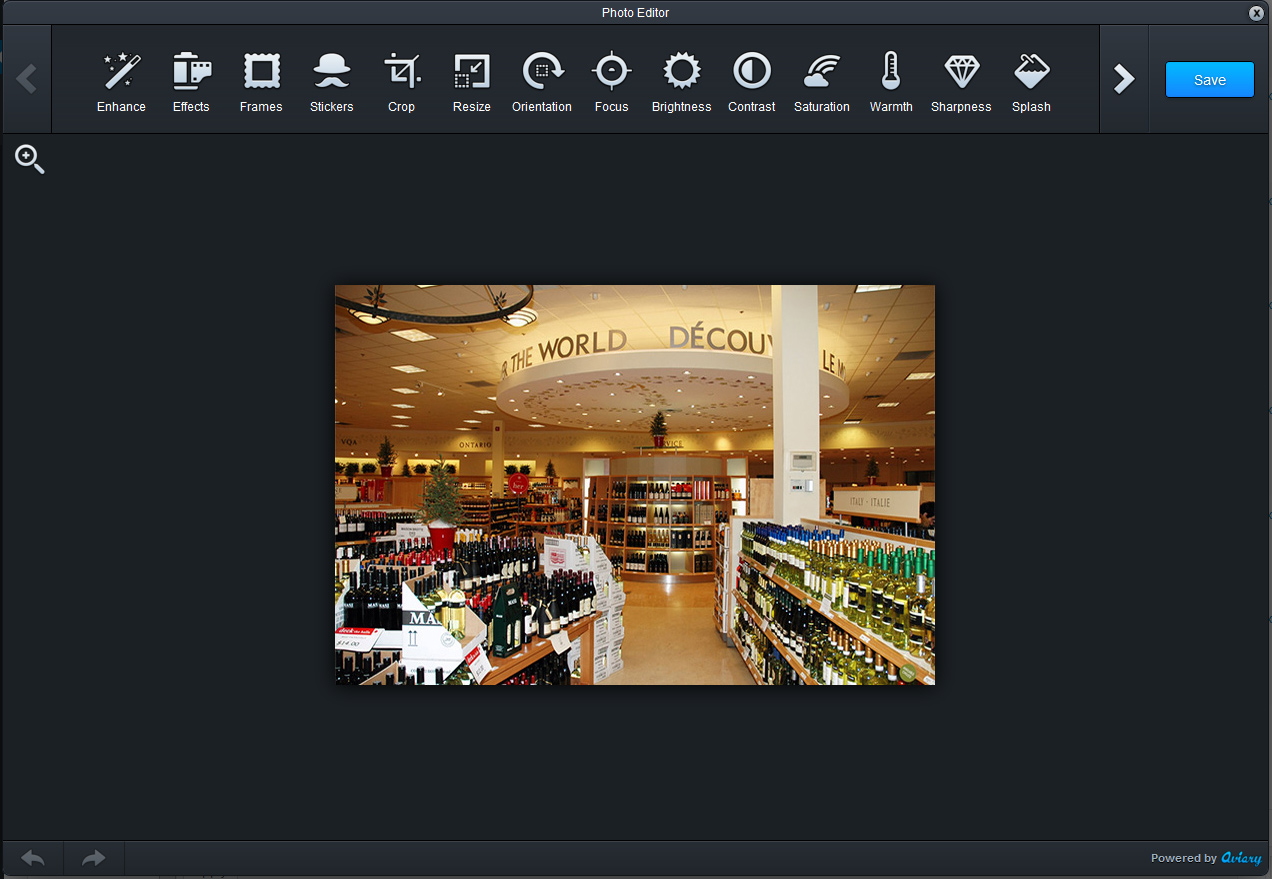
To get to the editor, upload the image and then go to Media > Library in the left-hand navigation. On the main library page you will see blue buttons beside each of the images to “Edit Photo”. Click the button and the plugin will launch.

Once you are done making all of your changes, click the “Save” button. Saving the graphic will make a copy of the original, so you don’t have to worry about overwriting your original image.