
This article will explain how to edit the header photo on the home page. Header photos are the graphics at the top of the page that span the full width of the page.
Please adjust the size of the image before uploading to the homepage. The homepage image size is: 1920 pixels width x 1026 pixels height
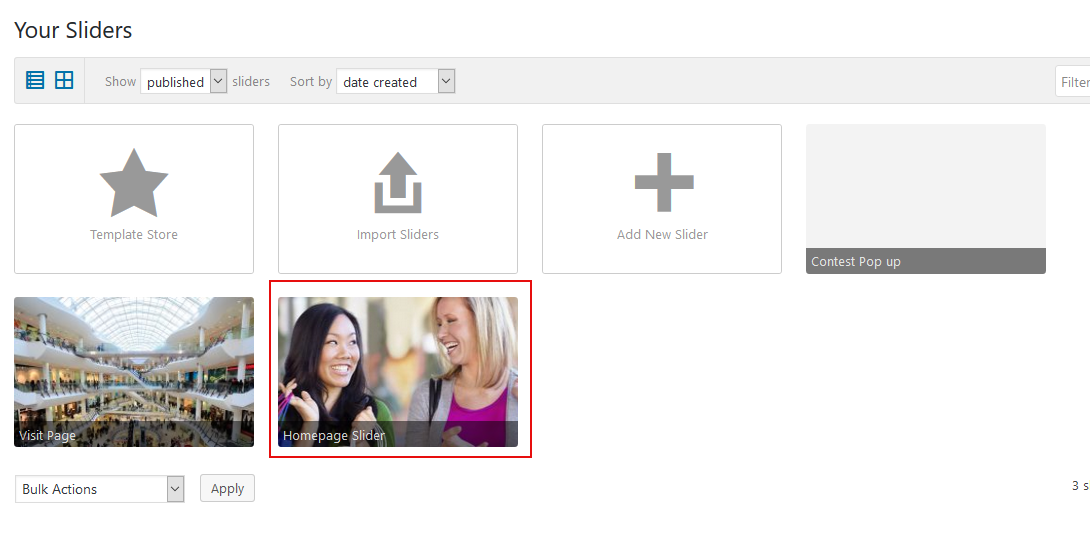
To edit the images, go to “Sliders and Popups” in the left hand navigation. Click the Homepage Slider.
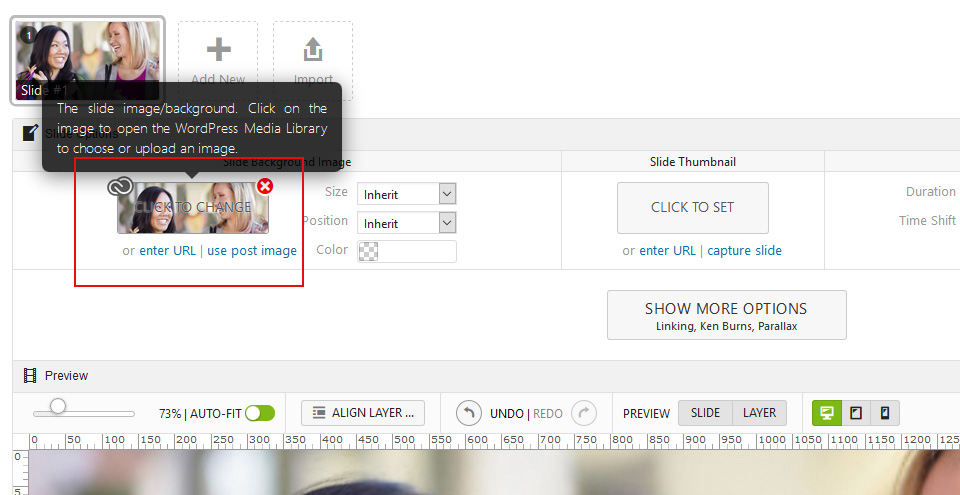
Click on the image to change it… See below. Select a photo or upload a new image.
Once done, click the blue “Save Changes” button at the bottom of the page.