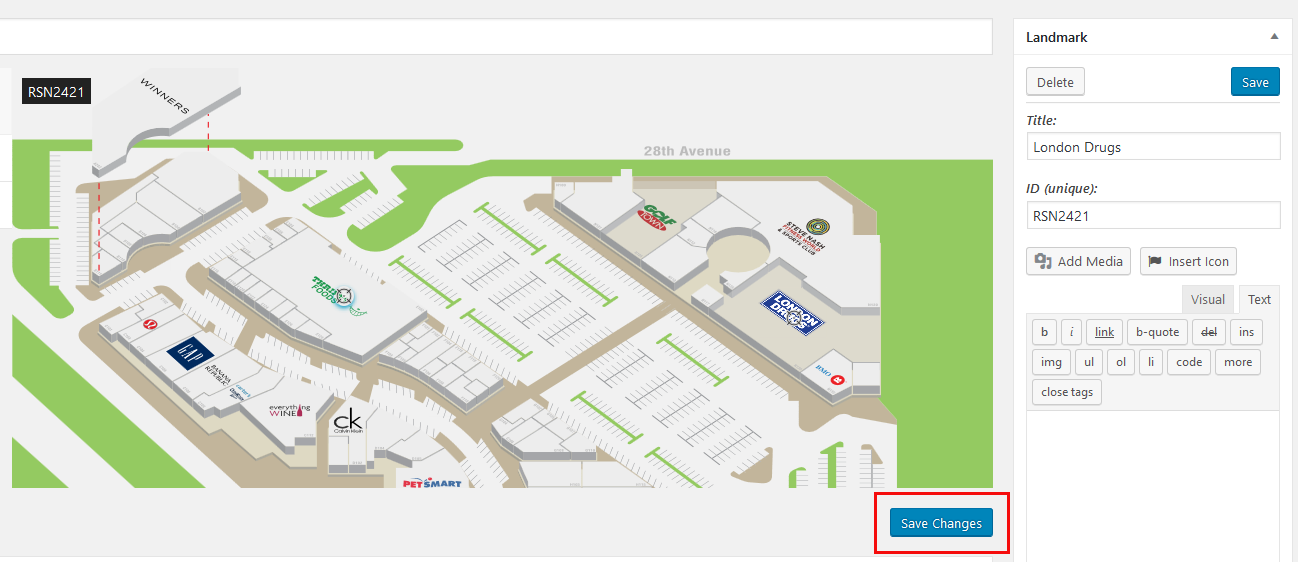
Deleting stores on your Mall map is a simple, two-step process.
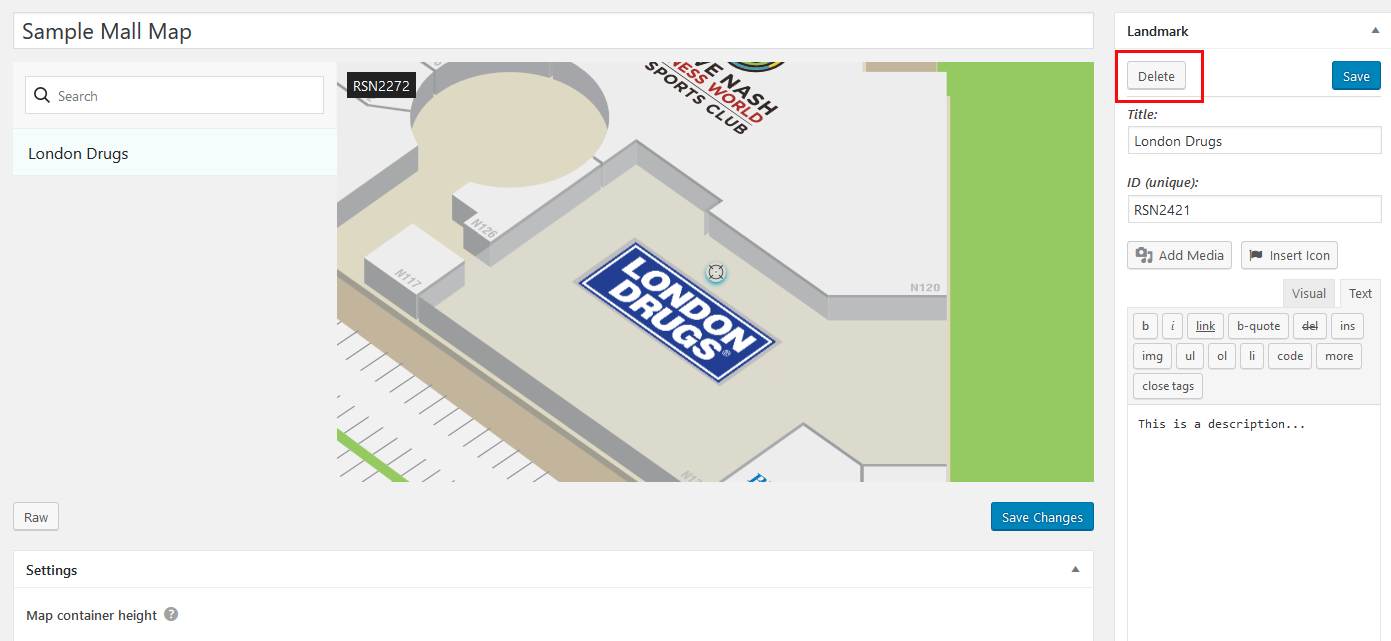
Click on the store you want to edit – either the store name or on the map. That will bring up all of the previous info that was entered into the Landmark box.
1. Click the delete button.
2. Then click the “Save Changes” button.