
This article explains how to add opening hours to a store page when the store hours differ from the regular mall hours.
To add a new set of opening hours for the store, follow the instructions found here. These instructions will explain how to add a new set of opening hours, holidays and irregular openings (e.g. different opening hours during Christmas).
Make sure to complete “Step 7” and add a one word descriptor (no spaces) into the Set Alias field (eg. LCBOHours). Take note of your “Set Alias” because you will need it for the next step.
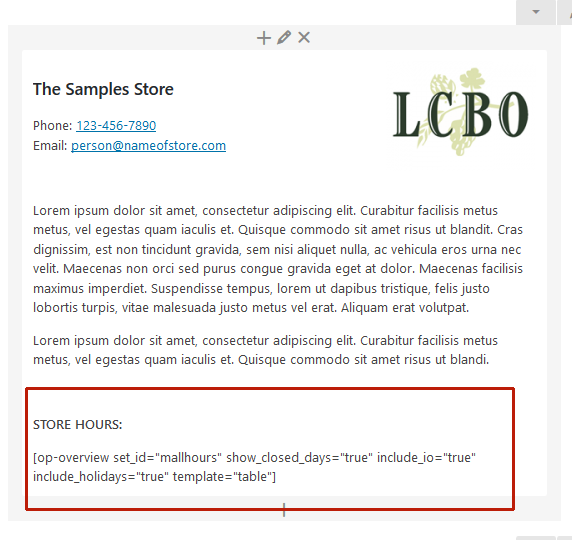
Once you have saved the store hours, the next thing you need to do is to add the Store hours to the Store page. To do this go to the store that you want to edit. Where you see the following code (see below), change “mallhours” to whatever you entered for your set alias.
[op-overview set_id=”mallhours” show_closed_days=”true” include_io=”true” include_holidays=”true” template=”table”]
You can check to make sure it is working as you expect by viewing the store page.